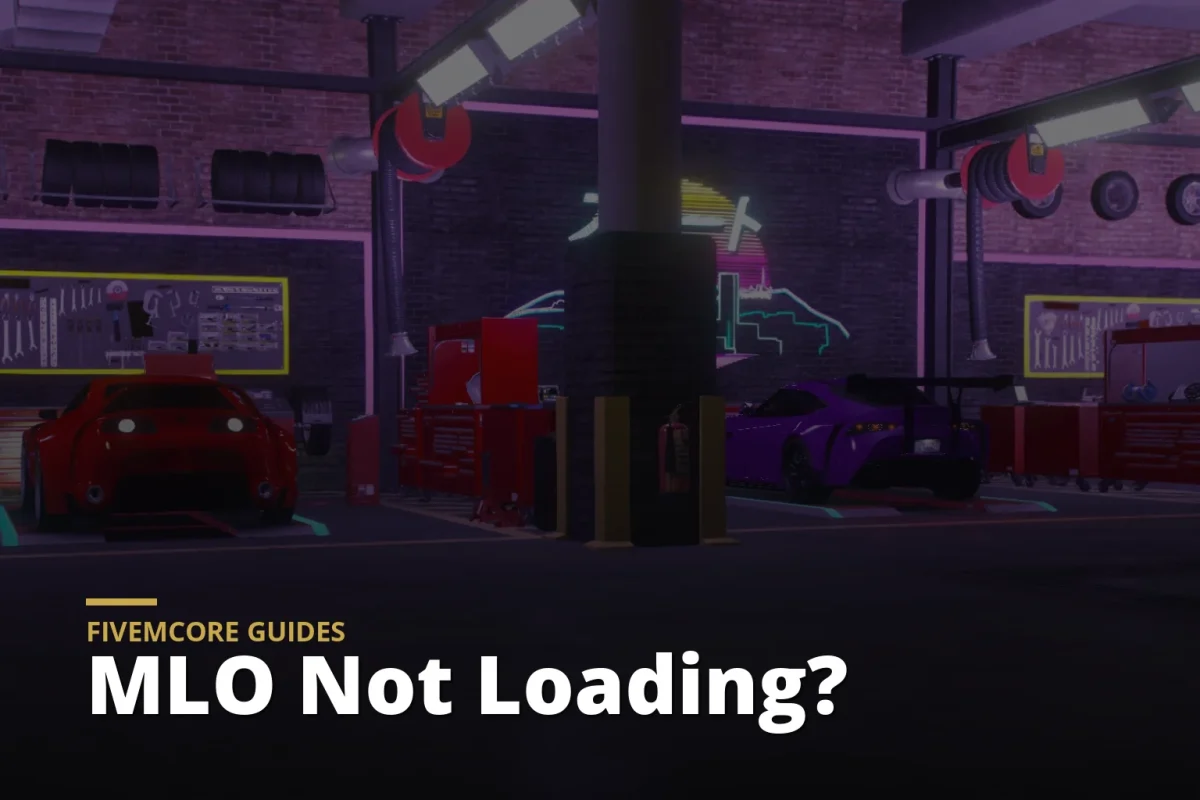


A broken MLO usually fails in the same predictable ways – invisible walls, missing interiors, texture loss, collision issues, or a resource that spikes Resmon the second players enter the area. If you are searching for how to install fivem mlos, the real goal is not just getting an interior to load. It is getting it live on your server cleanly, with correct dependencies, stable performance, and no avoidable support tickets later.
For serious RP servers, MLO installation is part file management, part optimization review, and part quality control. A premium FiveM-ready MLO should reduce setup time because the structure is already organized for deployment, naming is clean, and performance has been considered. Free or poorly packed interiors often cost more in labor than they save in price, especially when you start fixing bad folder structure, duplicated YMAP names, oversized textures, or unnecessary asset bloat.
What an MLO install actually involves
In practical terms, installing an MLO means placing the resource in the correct server directory, confirming the file structure is valid, making sure the manifest is present, starting the resource in server.cfg, and testing for collisions, textures, IPL conflicts, and Resmon behavior. Some MLOs are true plug-and-play resources. Others include custom props, map replacements, dependencies, or escrow-protected files that change how much you can edit.
Most FiveM MLO packages include streamed map files such as .ymap, .ytyp, .ydr, .ytd, and sometimes .ybn files. If the package is built properly, these files sit inside a stream folder with a working fxmanifest.lua or __resource.lua at the root. That structure matters. If the asset arrives as a loose archive of map files with no usable resource shell, you are not really buying time – you are buying extra setup work.
How to install FiveM MLOs step by step
Start in your server resources directory. Many operators use a dedicated folder such as [maps] or [mlo] to keep interiors organized. That naming convention is optional, but the organization helps once your server scales and you need to audit dozens or hundreds of assets.
Extract the MLO package and check the top-level folder before moving anything. A clean resource should have a single folder name, a manifest file, and a stream folder. If you open the package and see nested folders like mlopack/final version/use this/asset name, flatten it before deployment. FiveM will not care about the seller’s packaging logic, but your maintenance process will.
Once the folder is clean, move it into your resources directory. For example, the final path should look something like resources/[mlo]/pillbox_interior or resources/[maps]/custom_pd. Inside that resource folder, your fxmanifest.lua and stream folder should be immediately visible.
Next, open your server.cfg and add the resource start line. On modern setups, ensure is usually the better option because it forces the resource to start if dependencies are already available. If your resource name is pillbox_interior, add ensure pillbox_interior. Save the file and restart the server or refresh and start the resource through the console if you are testing in development.
At that point, join the server and go directly to the interior location. Do not assume the install is complete because the resource started without errors. Walk the full space. Check entry points, collision on stairs, door alignment, windows, custom lighting, and whether props appear correctly from multiple angles. Many MLO issues only show up when you move through the shell instead of teleporting into one spot.
Folder structure and manifest checks
If the MLO does not load, inspect the basics first. The most common issue is still bad structure. Your fxmanifest.lua should be at the root of the resource, not buried inside another folder. The stream directory should contain the map assets directly. If the manifest references specific files, confirm those filenames match exactly.
A standard manifest for a map resource is usually simple. It defines the game, fx_version, and file patterns for streamed content. If the package was built for older server versions, you may see __resource.lua instead. That can still work, but newer packaging with fxmanifest.lua is preferred because it is cleaner for modern deployments.
Another issue is resource naming. Avoid spaces, special characters, and vague names like interior1finalNEW. Use short, readable names that make sense in your stack. This becomes even more important when you are troubleshooting startup order or replacing old versions later.
Common MLO conflicts you should expect
Not every install failure is a broken asset. A lot of issues come from conflicts. If two resources stream the same area, IPL, or map name, one may override the other or create visual corruption. Police departments, hospitals, dealerships, and gang compounds are especially prone to this because many servers test multiple versions over time.
If an MLO replaces a base GTA location, check whether another map resource is already modifying that same zone. Remove old versions fully before testing the new one. Leaving retired assets in your resources folder but disabled can still create confusion for your team when someone later re-enables the wrong package.
Interior packs with custom props may also depend on additional asset libraries. If the seller includes dependency notes, follow them exactly. Missing prop packs often look like texture bugs at first, but the real issue is that the referenced models are not being streamed.
Why premium optimized MLOs install faster
There is a practical difference between a premium optimized MLO and a random free release. The premium version is usually packaged for deployment, tested in a live FiveM environment, and built with cleaner naming, lower texture waste, and more predictable Resmon behavior. That means less time rewriting manifests, repacking archives, or stripping out broken files.
Free MLOs are not always bad, but they are less consistent. Some are old conversions with oversized textures, poor collision, duplicated props, or map data that was never tuned for active RP servers. You can still make them work, but the labor cost increases quickly. For server owners managing uptime, player density, and long-term scale, cheap installs often become expensive maintenance.
This is where optimized assets matter. Lower streaming overhead, cleaner map construction, and sensible file packaging do not just help performance. They reduce deployment risk. For stores like FivemCore, that quality standard is part of the value – assets should be FiveM ready, organized, and built for operators who care about runtime efficiency.
Resmon and performance after installation
Installing the MLO is only half the job. You also need to validate its impact. Open Resmon in your test environment and monitor behavior in and around the interior. A well-optimized MLO should not introduce unusual spikes just from entering a normal building space. Watch for texture pop-in, frame drops near dense props, and resource memory usage that feels out of line with the visual complexity.
It depends on the asset type. A large custom police department or hospital will naturally carry more weight than a small storefront or shell interior. But higher complexity should still be intentional. If a simple shop interior performs like a major city rework, that is a red flag.
You should also test with your real stack, not in isolation only. Voice, UI, targeting systems, door locks, and housing scripts can all interact with interiors. An MLO that looks fine on a blank dev server may behave differently once your live framework and supporting resources are running.
Troubleshooting when the MLO will not load
If the resource starts but nothing appears, confirm the manifest exists and the files are inside stream. If textures are missing, check for required .ytd files and verify the package is complete. If collision is broken, inspect whether .ybn files are included or whether another resource is overriding the same area.
If the server console shows no errors but players still report issues, clear cache on the client side during testing. Old streamed data can make a fixed install look broken. Also confirm that every team member is testing the same version of the resource. Mixed local files create fake bug reports.
For escrow-protected assets, your edit access may be limited. That is not necessarily a problem if the asset is already clean and optimized, but it does affect how much restructuring you can do if the packaging is poor. Before buying, that is worth checking.
How to keep your MLO library manageable
As your server grows, MLO sprawl becomes a real operational issue. Keep a naming standard, separate testing from live deployment, and document which locations are custom replacements. Track version numbers and archive retired resources outside the active server tree. Good asset hygiene saves far more time than most operators expect.
The best installation process is repeatable. If every new MLO goes through the same structure check, manifest review, conflict audit, and Resmon test, you catch problems early and protect server performance before players ever see the asset.
A clean MLO install is not about getting lucky with a drag-and-drop folder. It is about using assets that are built for FiveM, checking them like a server operator, and treating performance as part of the installation itself.