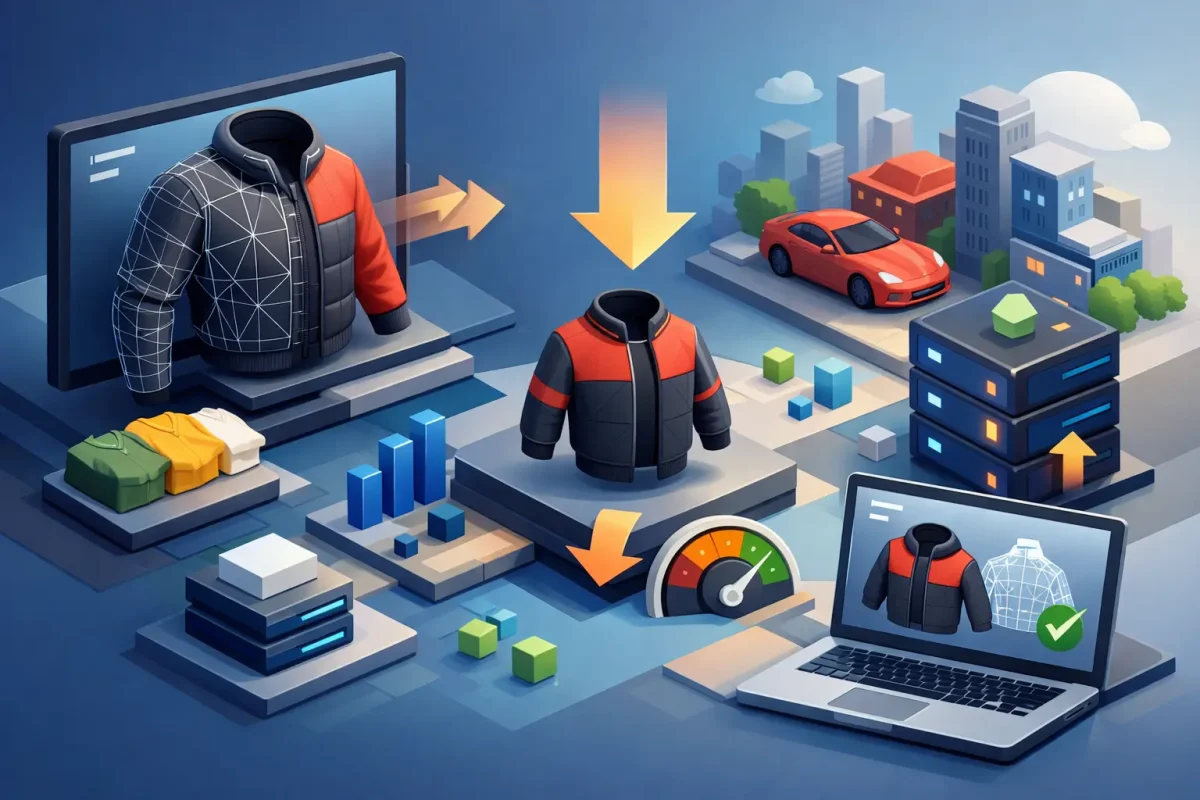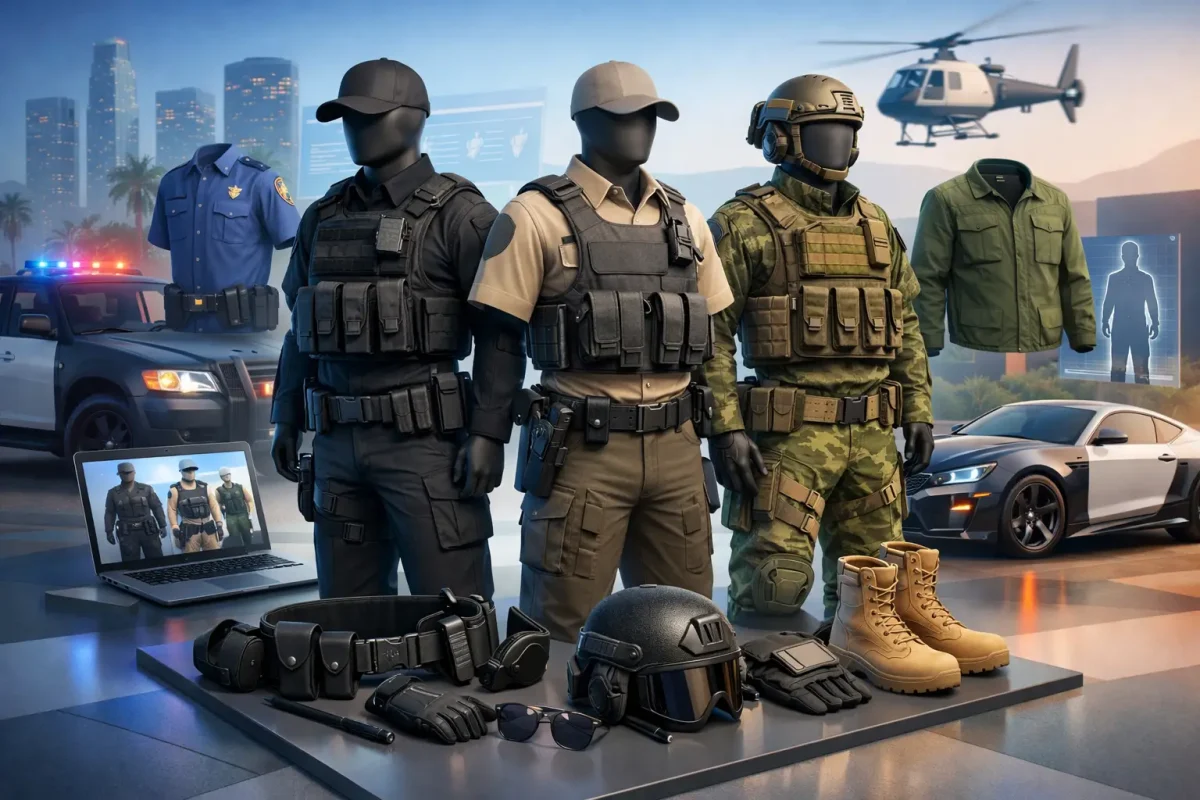

A clothing pack can look premium in a showcase and still create a poor player experience when 100 people load into Legion Square. Learning how to optimize FiveM clothing means treating apparel as part of your server infrastructure, not just a cosmetic add-on. Every drawable, texture dictionary, accessory, and outfit script adds to the client workload. The goal is clean roleplay presentation without inflated Resmon readings, texture pop-in, long joins, or avoidable FPS drops.
For serious RP servers, optimization is also a scaling decision. A small test server may tolerate oversized textures and duplicate clothing files. A public server with civilian fashion, department uniforms, gangs, businesses, and custom peds will not. Build your clothing pipeline for your intended player count, not the empty development server.
Start With What Resmon Is Actually Showing
Resmon measures how much processing time a resource uses, generally shown in milliseconds. It is useful, but it does not tell the whole story for clothing. A static clothing resource with poorly compressed textures may not show a large ongoing Resmon value after loading, yet it can still increase streaming pressure, VRAM use, loading times, and stutters when players enter a crowded area.
The highest Resmon values often come from the systems that apply clothing rather than the clothing files alone. Framework wardrobes, job uniform menus, appearance scripts, UI previews, and repeated client loops can create unnecessary CPU use. If a clothing pack is paired with a script that checks or reapplies an outfit every frame, the script is the immediate performance problem.
Profile clothing in a realistic scenario. Test with several players wearing different outfits, teleport to high-density interiors, open the appearance menu, switch components, and reconnect. Check resource time while idle and while actively changing outfits. Also watch for client stutter and texture failures, because a low Resmon number does not excuse a bloated asset package.
How to Optimize FiveM Clothing Assets
The best optimization starts before files reach your live server. Premium FiveM-ready clothing should have a disciplined structure, sensible texture sizes, appropriate model detail, and no unnecessary duplicate content. Free or unoptimized packs are often built for screenshots or single-player use, where the creator never had to account for a populated RP server.
Use texture resolution with a purpose
Large texture dictionaries are one of the most common clothing problems. A 4K texture can make sense for a close-up promotional render, but it rarely delivers enough visible value on a moving player model to justify its memory cost. In most gameplay situations, well-authored 1024px or 2048px textures provide a strong result. Small logos, patches, and fabric patterns should remain readable without turning every shirt into a high-memory asset.
Do not apply one resolution rule to every item. A detailed department vest or a jacket with important branding may need more texture detail than plain socks, undershirts, or basic pants. The right choice depends on how close players see the item and whether its visual detail supports roleplay.
Texture compression matters as much as resolution. Use GTA V-compatible texture formats and mipmaps so textures can scale down at distance. Missing or poorly generated mipmaps force the client to work harder and can produce flickering or blurred results. Keep alpha channels only where the item actually uses transparency. An unnecessary alpha channel increases file weight without improving the asset.
Remove duplicate and unused files
Clothing packs can accumulate wasted content quickly: duplicate YTDs, unused colorways, test drawables, old exports, and alternative files that are never referenced. Audit each pack before deployment. If a file is not called by your resource or required by a supported variation, it should not be streamed.
This is where curated premium assets outperform random collections. A properly prepared pack is organized around usable components and labeled variations. An unoptimized free pack may contain multiple versions of the same item, vague file names, and leftover development files that force your team to spend hours identifying what is safe to remove.
Use clear naming conventions for male and female assets, departments, businesses, gangs, and release versions. Organization does not directly lower Resmon, but it prevents duplicate streams and makes future maintenance far less expensive.
Keep model complexity under control
High-poly clothing can look good in a modeling viewport while becoming expensive when dozens of players wear it at once. Jackets, tactical vests, chains, bags, and layered outfits need particular attention because they can combine dense geometry with high-resolution textures.
Prioritize silhouette and material quality over invisible geometry. Interior faces, overly dense stitching, hidden body sections, and excessive accessory detail are frequent sources of unnecessary complexity. LODs are essential for items that remain visible at distance. Players do not need the same mesh detail across a parking lot that they need during a close roleplay interaction.
There is a trade-off here. Aggressive mesh reduction can cause clipping, rigid movement, or an obviously low-quality silhouette. Test each item across common animations, body types, seated positions, and vehicle entries. Optimization that breaks immersion is not premium optimization.
Optimize the Clothing Scripts, Not Just the Files
A clean streamed pack can still underperform if the outfit system is inefficient. Clothing scripts should apply components only when an outfit change is requested, a character loads, or a relevant event occurs. Avoid permanent `while` loops that repeatedly check ped components, player jobs, or proximity states with minimal wait time.
Wardrobe menus should load previews intentionally. Rendering every available jacket, chain, and texture variation the moment a player opens a shop can create a noticeable client spike. Use categories, pagination, and on-demand previews where the framework supports them. A player choosing a police uniform does not need every civilian clothing texture loaded into a preview process at the same time.
Cache known outfit data where practical. If a player’s saved uniform has not changed, there is no reason to reconstruct it through repeated database calls or redundant client events. Server owners should also inspect job scripts that reapply uniforms after every spawn, seat change, or area transition. Those systems are often inherited from older framework setups and become costly at scale.
Build a Deployment Process for Scale
Do not drop every clothing pack into one oversized resource and hope streaming handles it. Split content by logical purpose when it benefits maintenance and load management: civilian collections, emergency services, business uniforms, gang apparel, and seasonal releases. The right split depends on your framework and catalog size. Too many tiny resources can complicate startup and troubleshooting, while one massive resource makes audits harder.
Before pushing a release, use a repeatable checklist:
- Verify every streamed file is referenced and required.
- Check texture dimensions, compression, mipmaps, and alpha use.
- Test clothing combinations for clipping and missing assets.
- Measure Resmon during outfit application and menu browsing.
- Test crowded scenes on hardware closer to your average player, not only a high-end development PC.
- Keep a rollback copy of the prior clothing resource in case a release causes client crashes or streaming issues.
Version control and change logs are useful here. When players report stutters after an update, your team needs to know whether the likely cause was a new clothing collection, a revised appearance script, or an unrelated resource. Guesswork wastes staff time and damages player confidence.
Choose Assets That Save Work After Purchase
The lowest upfront cost is not always the lowest operating cost. Free clothing can be useful for prototypes, but it may arrive with oversized texture dictionaries, unclear installation instructions, non-lore-friendly branding, limited editability, or no performance testing. Those costs shift to your developers and moderators after launch.
Premium optimized clothing is built to reduce that burden. It should be ready for FiveM, organized for installation, compatible with roleplay presentation, and designed with resource efficiency in mind. For servers that need departments, business uniforms, and custom civilian fashion at scale, that preparation matters more than saving a small amount on a single pack.
FivemCore focuses on premium, lore-friendly, FiveM-ready assets that help server operators expand visual variety without treating performance and compliance as afterthoughts. The strongest catalog is not the one with the most files. It is the one your players can wear reliably in a full session.
Keep your standards practical: test every release under load, remove what your server does not use, and judge clothing by both visual quality and client cost. When outfits load cleanly and your Resmon stays controlled, players notice the immersion rather than the infrastructure behind it.