Custom clothing is one of the fastest ways to make a server feel different. It is also easy to get wrong: an install in the wrong order can scramble every outfit players have saved. Here is how to add clothing cleanly.
Short version: clothing is added as a streamed resource for the male and female multiplayer models. Start new packs after the ones you already run, never reorder them, and test on both models.
How add-on clothing works
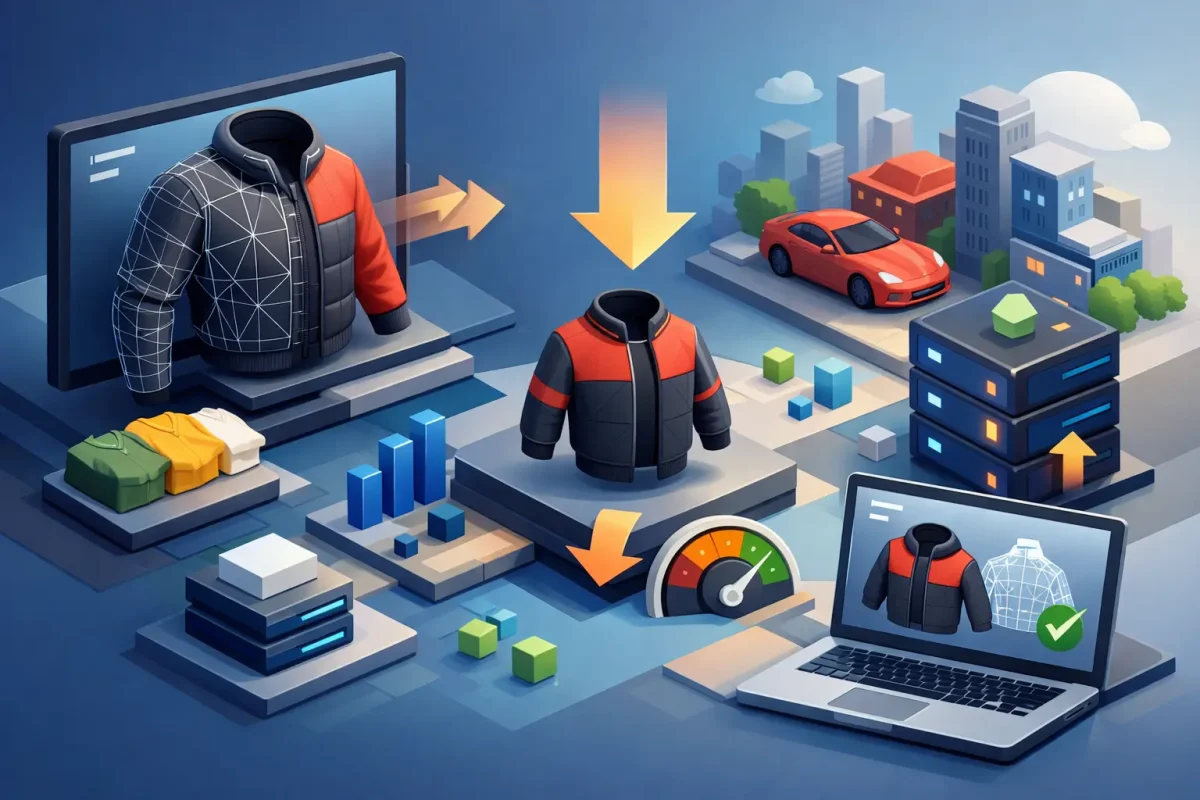
Each piece of clothing is made for one base model: mp_m_freemode_01 (male) or mp_f_freemode_01 (female). A clothing resource streams the model and texture files and registers them in fxmanifest.lua with data_file 'SHOP_PED_APPAREL_META_FILE'. Your clothing store or appearance script then shows the new items.
Step 1: Match the pack to the model
Male clothing only works on the male model and female clothing on the female one. If you want both, you need both packs.
Step 2: Add it after your existing packs
This is the step that protects saved outfits. Clothing items get their numbers from the order in which resources load. If you place a new pack before an existing one, or rename a folder so it loads earlier, the numbers of everything after it shift and saved outfits suddenly show the wrong clothes. Add new ensure lines at the end of your clothing section, and don’t change the order once players have saved outfits.
Step 3: Watch the limits
Each clothing slot, such as tops or pants, can only hold a limited number of items. Big collections from several sources can hit that limit, and items past it won’t show. Remove packs your players don’t use instead of stacking more.
Step 4: Test before release
- Restart the server and open the clothing store.
- Check the new items on both the male and the female model.
- Load an existing character and confirm the saved outfit still looks the same.
- Walk into a busy area and watch for texture loss.
Keep it light
High-resolution clothing loads for every player who sees it. Our guide on optimizing clothing for lower resmon explains how to keep packs efficient.
Uniforms and job outfits
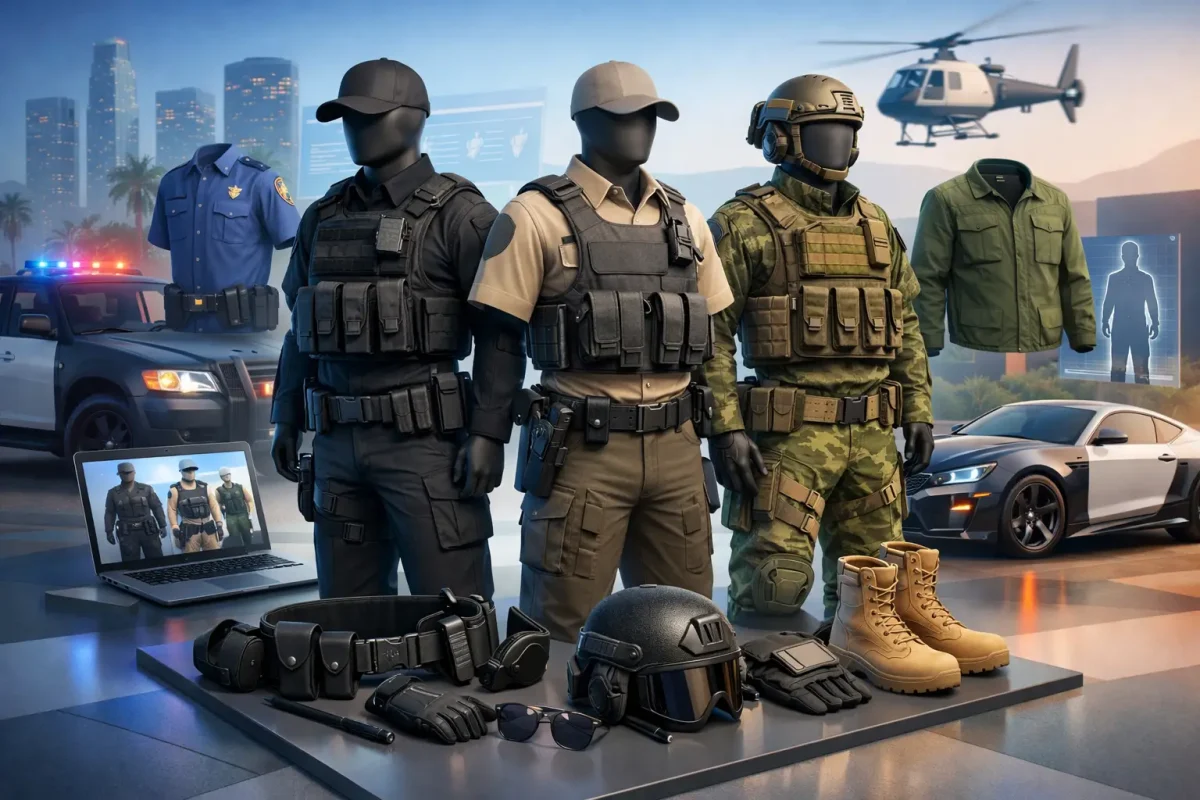
EUP-style packs add uniforms for police, EMS and staff roles. Pair them with matching police and EMS vehicles so departments look consistent.
Our FiveM compatible clothing packs are unbranded and TOS compliant, with separate male and female packs. If you want a completely different character rather than new clothes, see our guide to adding custom peds and the FiveM compatible peds.