You drive into the city and the road turns into a blurry mess, buildings show up as grey blocks, or you drop through the ground. That is texture loss: the game can’t load textures as fast as it needs them. Most cases are fixed in a few minutes from your own settings.
Quick fix: raise Extended Texture Budget in Settings > Graphics, lower Texture Quality to High or Normal, turn off Extended Distance Scaling, then clear your cache and restart the game.
Why texture loss happens
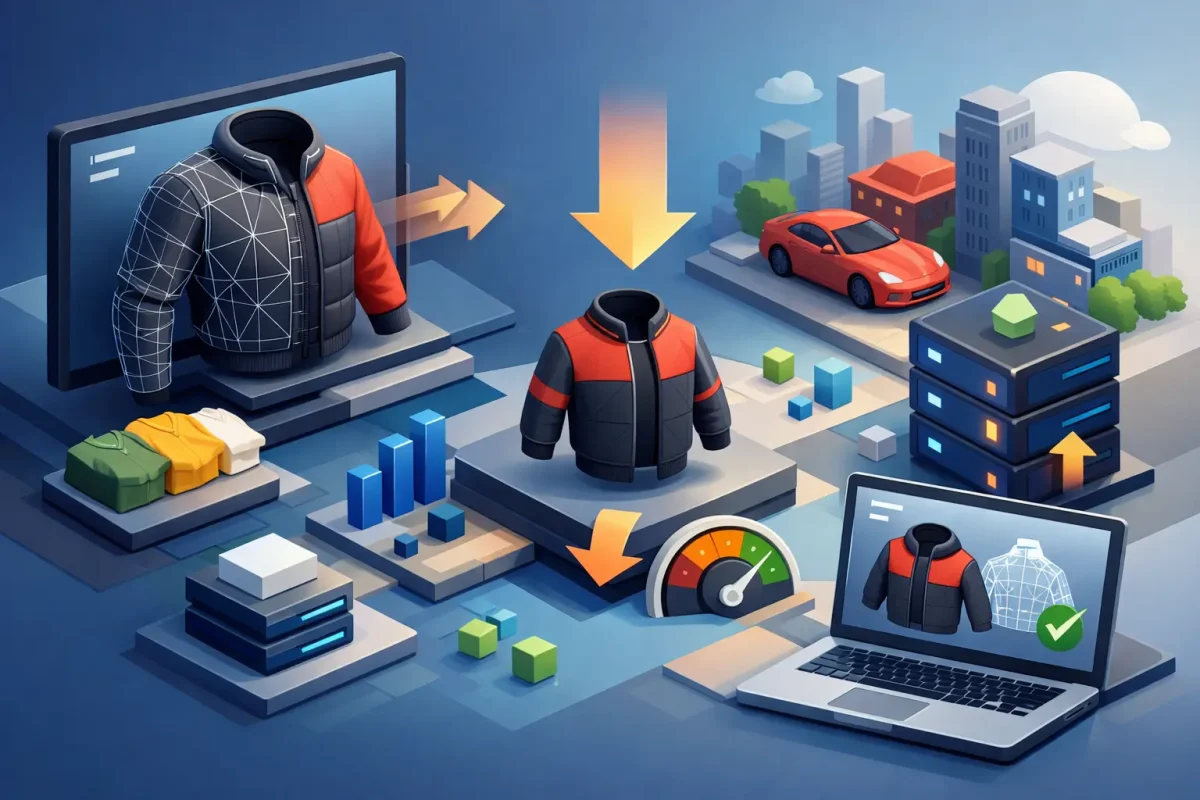
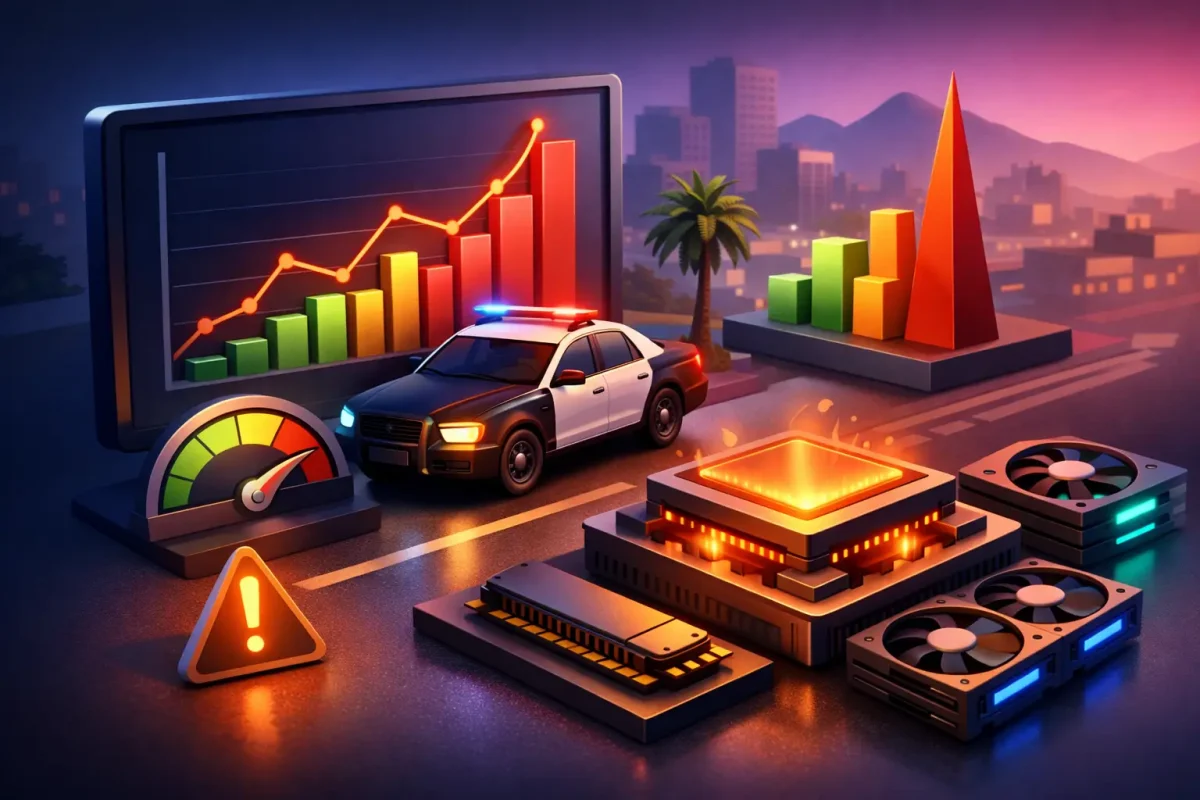
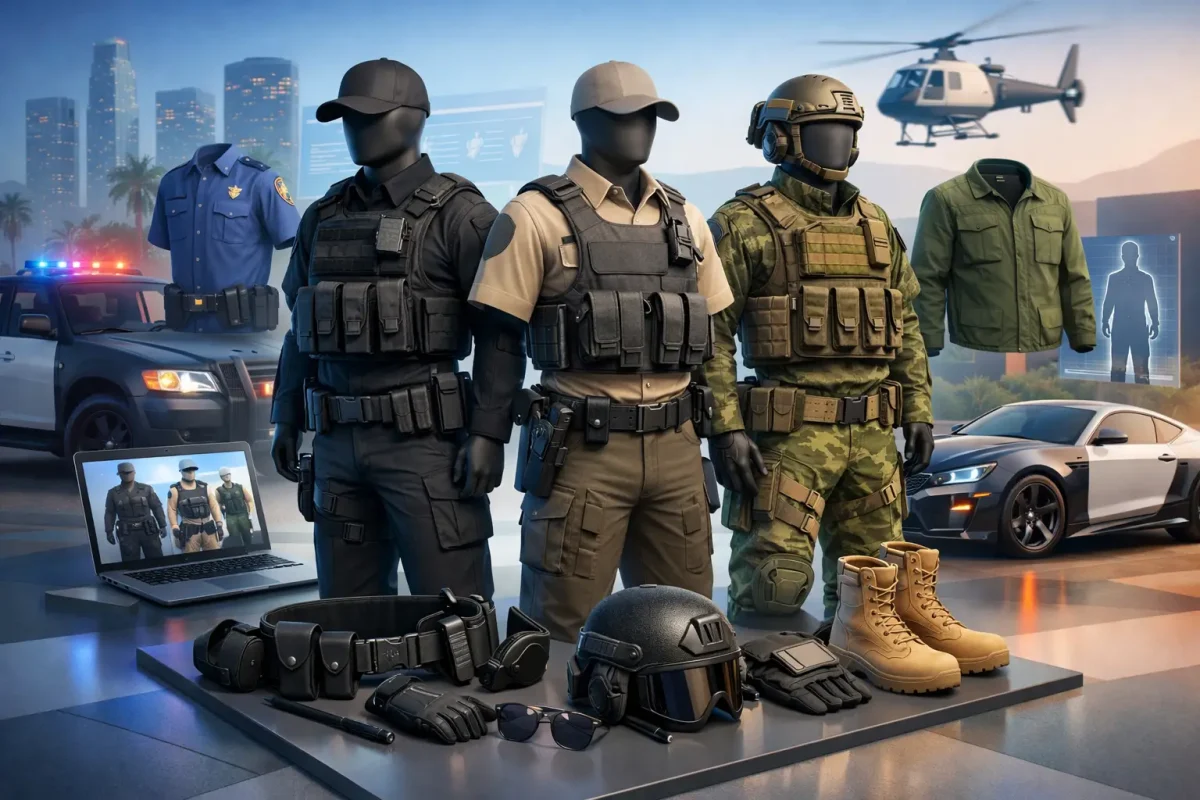
Textures live in your graphics card’s memory (VRAM). Roleplay servers stream a lot of custom content on top of the base map: add-on cars, clothing and custom interiors. When everything around you needs more memory than the game is allowed to use, it drops textures to low quality or skips them. Busy areas like the city center and car meets are where it shows first.
Step 1: Raise the texture budget
- Press ESC and open Settings > Graphics.
- Find Extended Texture Budget and move it up. Around three quarters is a good start.
- Watch the memory bar at the top of the menu. If it turns yellow or red, move the slider back down.
Maxing the slider is not always better. On cards with little VRAM it can cause stutters or crashes, so use the highest value that keeps the memory bar out of the red.
Step 2: Lower the heavy settings
- Texture Quality: High or Normal instead of Very High. The difference is small in motion, the memory saving is big.
- Extended Distance Scaling: turn it off or keep it low (Advanced Graphics). It loads detail far away that you rarely look at.
- High Detail Streaming While Flying: turn it off if you use helicopters or planes.
Some changes need a full game restart to take effect.
Step 3: Clear the cache
Old or broken cache files can keep loading bad data even after you change your settings. Our guide on clearing the cache safely shows which folders to delete and which to keep, so you don’t redownload everything.
Step 4: Free up your PC
- Close browsers with many tabs, launchers and overlays. They use VRAM too.
- Update your graphics driver.
- If you record or stream, try one session without it and see if the problem goes away.
- Install the game on an SSD if you can. Slow drives make streaming worse.
Also quit the game fully before joining a different server instead of switching from inside. Leftover content from the last server takes memory you need.
For server owners
If many players report texture loss in the same place, the cause is probably content, not their PCs. Watch the server console for oversized asset warnings, shrink the textures of the worst offenders, and avoid parking dozens of heavy add-on cars in one spot. Our guide to optimizing server assets goes deeper. When you add new content, pick builds made with sensible texture sizes, like our FiveM compatible cars and clothing packs.