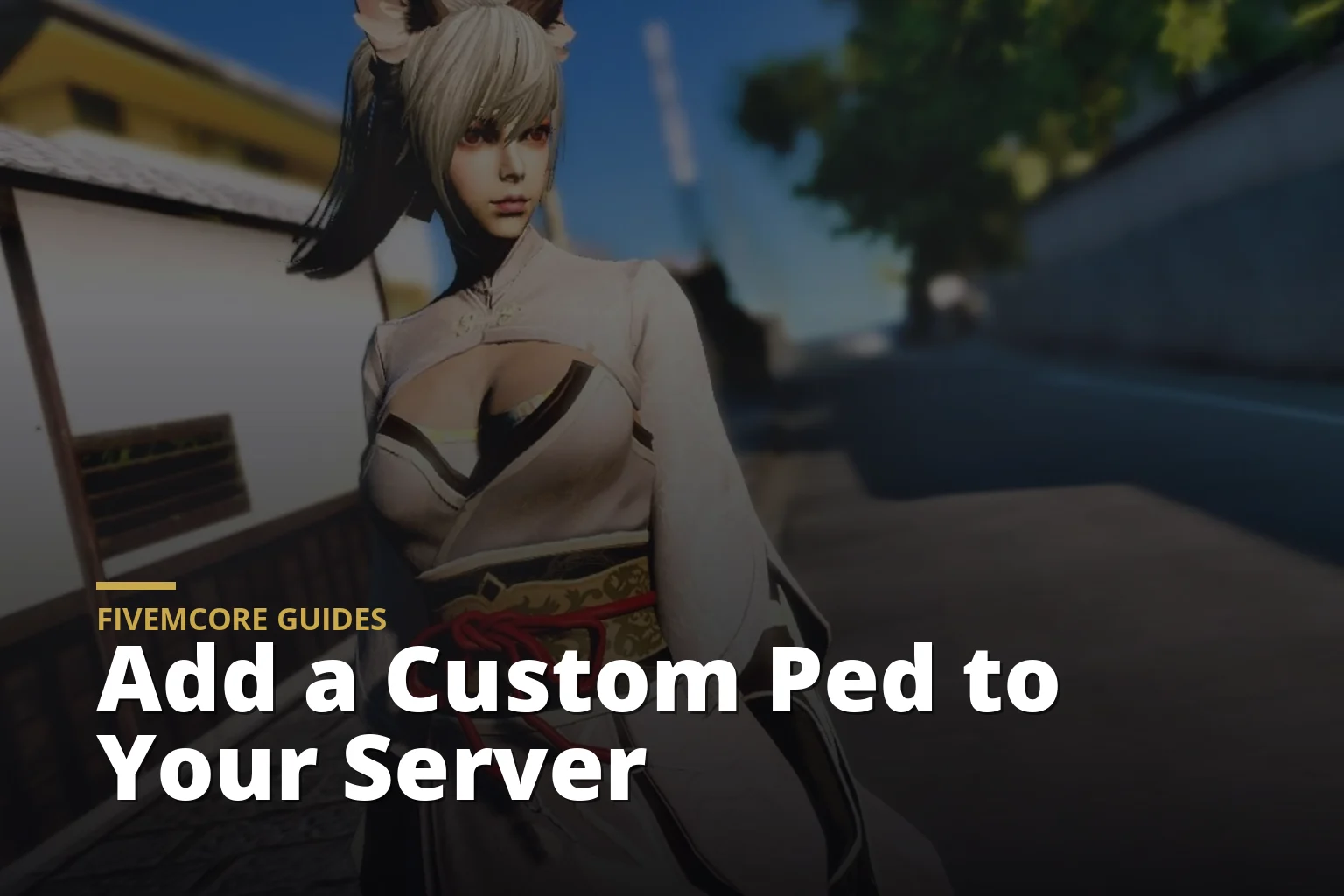
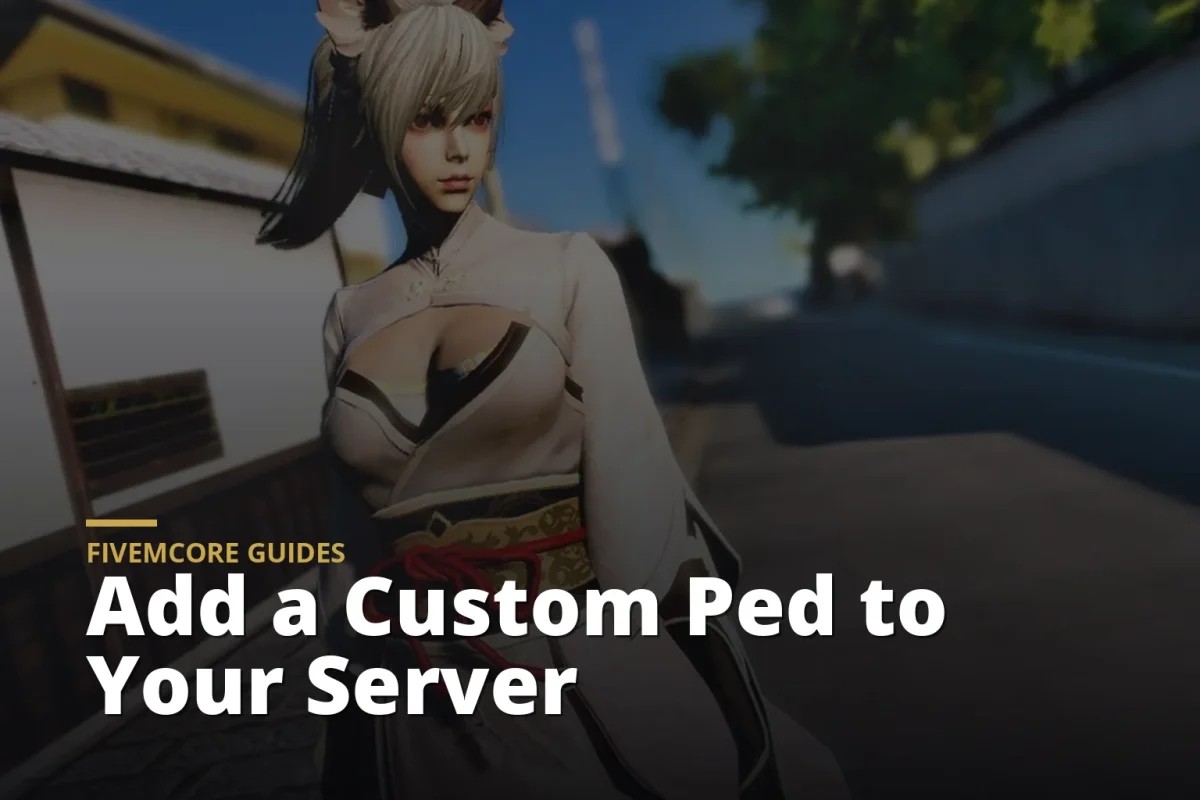
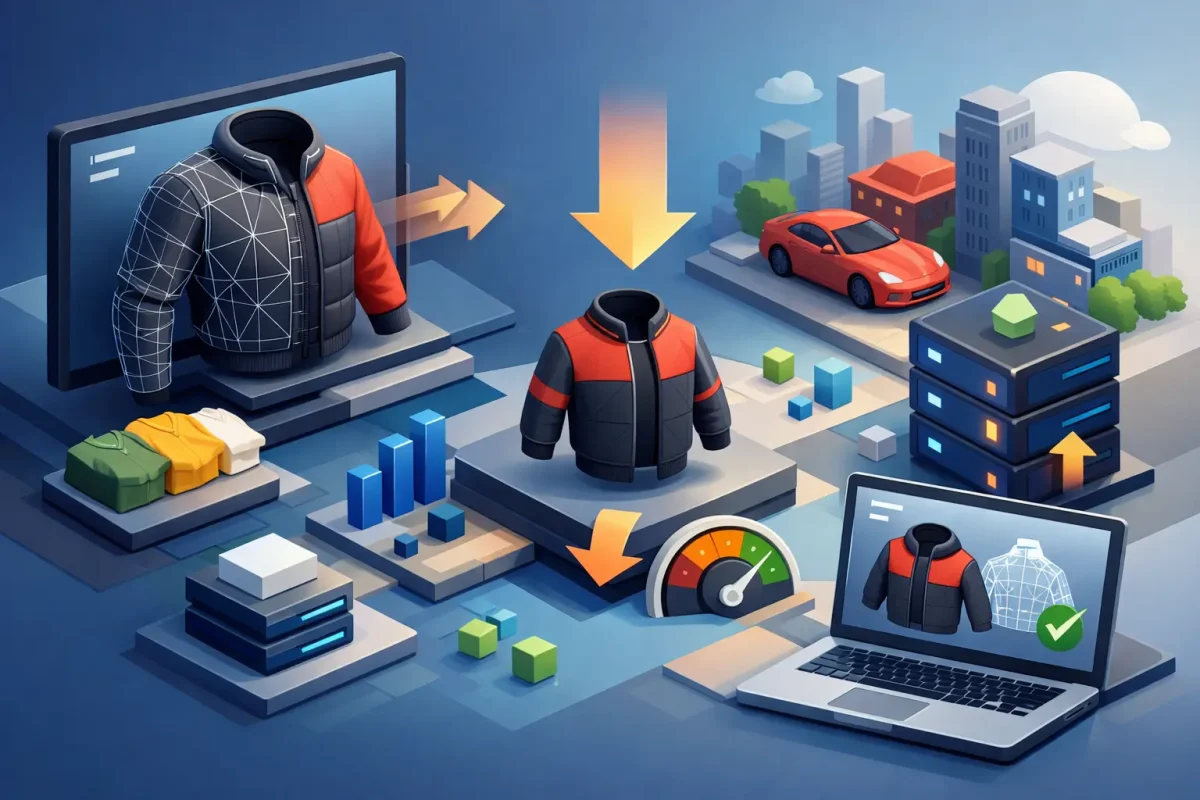
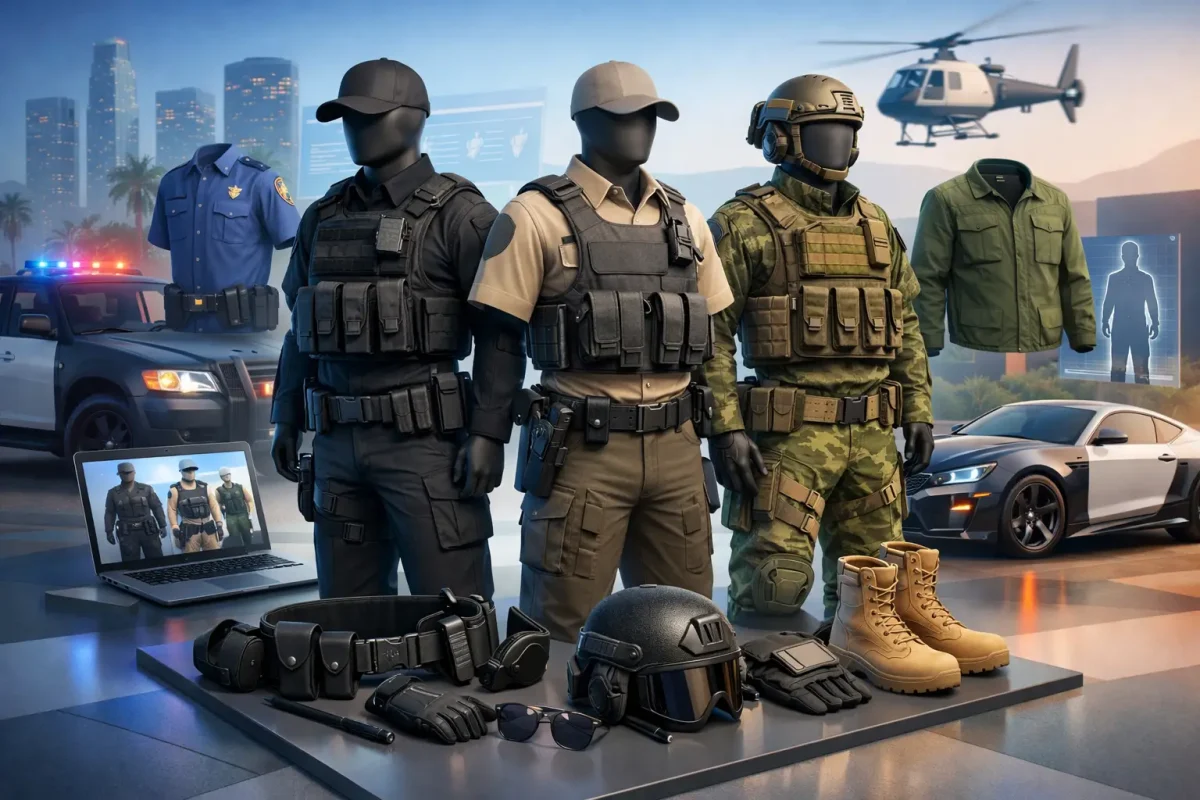
Custom peds let players become a superhero for an event, a stylized anime character or a child in a family story. Adding one has two parts: installing the model, then deciding who can use it.
Short version: install the ped as an add-on resource, register it with a peds.meta file, start it in server.cfg, then give access through your ped menu or an admin command.
Add-on or replace?
A replace ped swaps an existing base character, so every NPC that uses that model changes too. An add-on ped gets its own name and changes nothing else. On a roleplay server, always prefer add-on peds.
Step 1: Check the files
A typical add-on ped resource contains:
a stream folder with the model files (.yft, .ydd, .ytd, sometimes a .ymt)
a peds.meta file that registers the model
an fxmanifest.lua that loads it with data_file 'PED_METADATA_FILE' 'peds.meta'
The ped’s spawn name is the model’s file name, the same name used in peds.meta.
Step 2: Start the resource
Put the folder in your resources, add an ensure line with its name to server.cfg and restart. Check the console for errors.
Step 3: Give players access
This part depends on your framework and scripts. Common options:
Admin command or menu: staff set a player’s ped by name. Good for events.
Ped menu with permissions: whitelisted players pick from a list. Good for special roles.
Saved per character: some appearance scripts store a custom ped on a character so it loads every time.
Most servers keep special peds behind a whitelist. A superhero is only special if not everyone can be one.
Things players will notice
No clothing menu: a custom ped’s look is part of the model. Clothing stores only work on the standard multiplayer characters.
Size: very tall, very small or bulky models can clip through car seats and doors.
Memory: detailed peds have large textures. One or two are fine; a crowd of them in the same spot raises memory use for everyone nearby.